Essential JavaScript Debugging Tools for Every Developer

Loading...
The TECHVIFY Team is a group of experienced professionals passionate about technology and innovation.
Debugging JavaScript is an essential skill for every JavaScript developer, as it can help you write more reliable and efficient code. This article explores the importance of JavaScript debugging and common challenges faced during development. You also know the tools to make the debugging process more efficient, equipping you with the skills needed for cleaner, faster, and more reliable code.
A debugging JavaScript tool is a software application or feature that helps developers find and fix errors, bugs, and issues in their JavaScript code, making it easier to ensure that the code works correctly and as intended.
Utilizing tools can prevent common errors and guarantee well-structured, maintainable, and easily debuggable code. Having a suite of debugging tools for JavaScript is vital as it enables you to:
All major browsers have built-in developer tools that can be used to debug JavaScript code. These tools provide a variety of features, such as the ability to:
To open the developer tools in your browser, press Ctrl+Shift+I on Windows or Command+Option+I on Mac.
The console.log() and console.error() functions can be used to print messages to the console. This solution can be helpful for debugging errors, as it can help you to identify the point at which the error is occurring and the values of the variables involved.
To use the console.log() function, pass the message you want to print to the process as an argument. For example, the following code will print the value of the myVariable variable to the console:
console.log(myVariable);To use the console.error() function, pass the error message you want to print to the function as an argument. For example, the following code will print the error message “An error occurred” to the console:
console.error("An error occurred");
Chrome DevTools is a built-in debugger in the Chrome browser. This tool provides a variety of features, including:
Firefox Developer Tools is a built-in debugger in the Firefox browser. This tool provides similar features to Chrome DevTools.
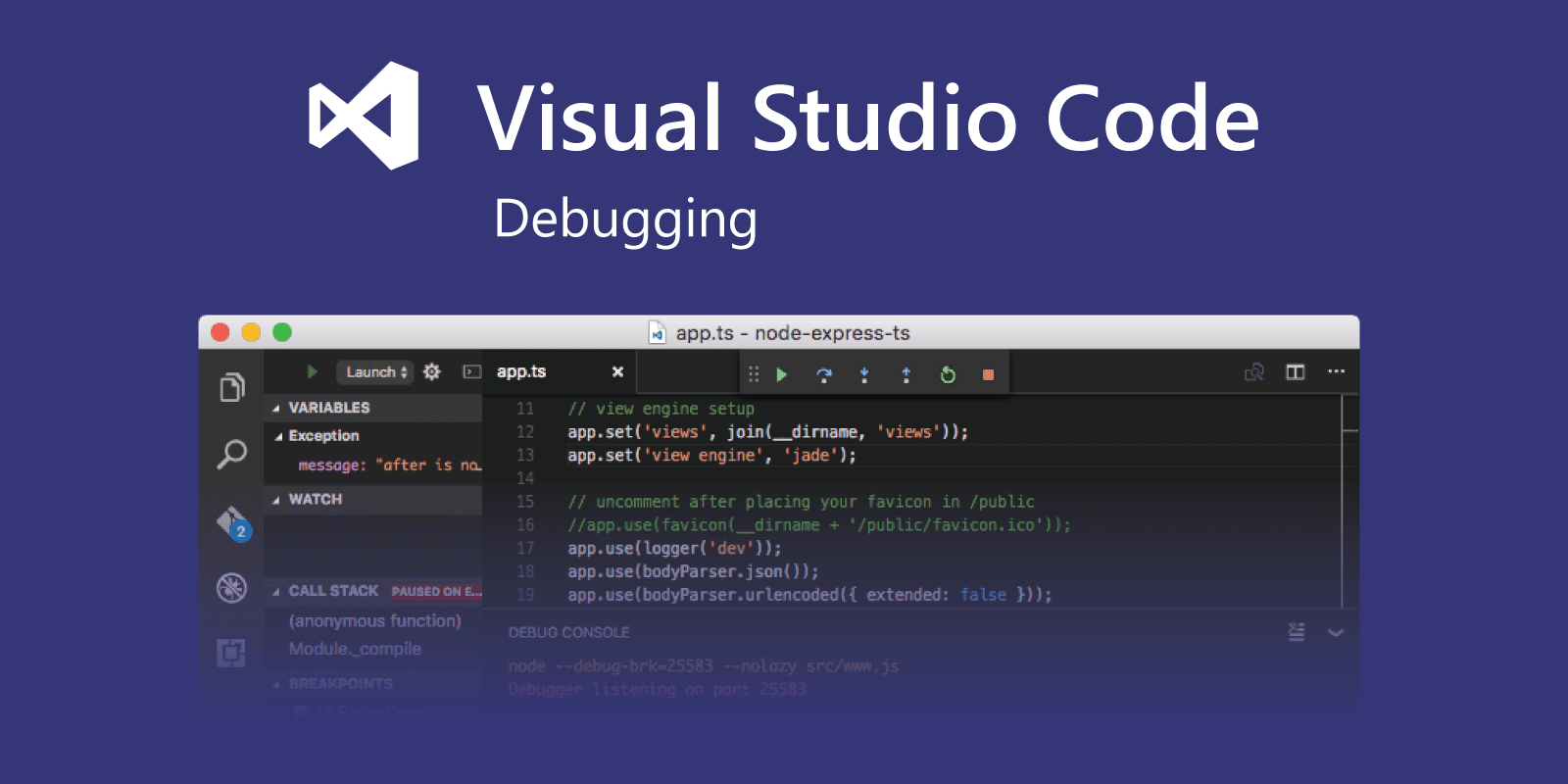
Visual Studio Code Debugger is a third-party JavaScript debugger. This tool provides additional features beyond the built-in debuggers, such as:

ESLint is a linter that helps you find and fix potential problems in your JavaScript code before it runs. It can check for syntax errors, coding style violations, and possible bugs.

Postman is an API development environment that lets you send HTTP requests and get responses. It’s a popular tool for testing and debugging APIs and can also be used to create and document APIs.

JS Bin is a web-based code editor and debugger that allows you to write, run, and debug JavaScript code in your browser. It is a powerful tool for developers of all levels and is especially useful for collaborative debugging.
Learn More About Business Tools:
| Challenge | Solution |
|---|---|
| Syntax Errors | Carefully check the syntax to identify errors. Use a compiler or development environment to spot errors. Utilize console logs to display variable values and trace errors. |
| Runtime Errors | Use try-catch to catch errors and handle them gracefully. Employ console.log to log detailed error information. Use browser debugging tools to pinpoint errors precisely. |
| Undefined Variables | Check if variables are declared before using them. Use “use strict” to prevent accidental global variable creation. |
| Infinite Loops | Identify the stopping condition in loops. Use break or return to exit loops when necessary. Employ setTimeout to set a time limit on loops. |
| Logic Errors | Review the source code logic to identify errors. Use debugging tools to track variable values and execution flow. Use console.log statements to monitor information and values. |
In conclusion, mastering the debugging tool JavaScript is paramount. It elevates code quality, reduces development time, and instills confidence in code reliability. Equipped with essential tools and techniques, developers can efficiently resolve errors, ensuring code excellence throughout their projects and enabling a smoother development journey.
However, to ensure your application runs smoothly from start to finish, don’t hesitate to contact TECHVIFY. We offer end-to-end services to ensure your business doesn’t be disrupted and achieve a streamlined process. Our team of seasoned professionals is readily available to help you optimize your resources efficiently and cost-effectively.
Get A Free Consultation: