Top 10 Continuous Integration Tools to Use in 2025
Loading...
The TECHVIFY Team is a group of experienced professionals passionate about technology and innovation.
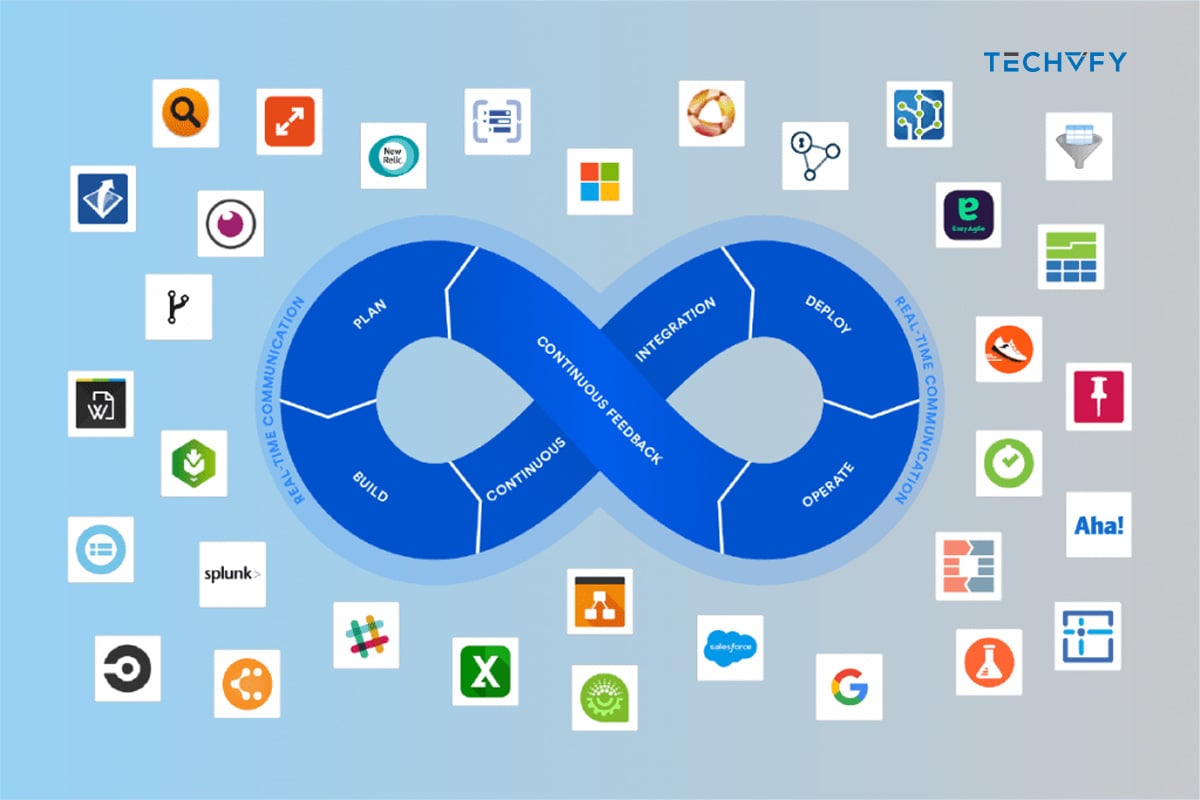
In today’s dynamic software development landscape, Continuous Integration tools are vital. They automate the merging of code changes from multiple contributors, ensuring a seamless and error-free development process. As a key element of Agile and DevOps methodologies, CI tools enhance code quality and expedite feature delivery. This blog will explore the essential CI tools, highlighting their features and guiding you in selecting the right tool for your project’s specific requirements.
Continuous Integration (CI) tools, or tools for Continuous Integration, are software applications that automate the integration of code changes from multiple contributors into a single software project. They facilitate a streamlined and efficient development process by continuously merging code updates, running automated tests, and detecting integration errors early. This practice is a cornerstone of Agile and DevOps methodologies, enabling teams to maintain a high-quality codebase while delivering features and fixes rapidly.
Jenkins, an open-source tool and one of the most popular Continuous Integration tools, was developed in Java. It stands out as a top choice for Continuous Integration, offering real-time testing and reporting on individual changes within a larger code base. This tool enables developers to rapidly identify and fix code issues and automate their build tests.
Pros:
Cons:
We continue our Continuous Integration tools list with Buddy, which stands out as an intuitive CI/CD tool tailored for web developers, aiming to simplify their entry into DevOps. It utilizes delivery pipelines for software construction, testing, and deployment. These pipelines are crafted using over 100 pre-built actions, which can be organized in various configurations akin to assembling bricks.
Pros:
Cons:
One of the top Continuous Integration tools is GoCD, an open-source CI server designed for modeling and visualizing complex workflows effortlessly. It enables continuous delivery and offers a user-friendly interface to create CD pipelines.

Pros:
Cons:
Bamboo serves as a Continuous Integration build server, streamlining automatic builds, tests, and releases in one location. It stands out as one of the top CI tools, integrating effortlessly with JIRA software and Bitbucket. Bamboo is compatible with various languages and technologies, including CodeDeply, Ducker, Git, SVN, Mercurial, AWS, and Amazon S3 buckets.

Pros:
Cons:
CircleCI, recognized as one of the best Continuous Integration tools, is a versatile CI tool compatible with various environments, including cross-platform mobile apps, Python API servers, or Docker clusters. It effectively minimizes bugs and enhances the overall quality of applications.
Pros:
Cons:
Developed by Vsoft, FinalBuilder is a build automation tool that eliminates the need for XML editing or script writing. Users can easily define and debug their build scripts, schedule them using the Windows scheduler, or integrate with platforms like Jenkins and Continua CI.
Pros:
Cons:
Strider is an open-source tool developed in Node.JS / JavaScript and relies on MongoDB for its database needs. MongoDB and Node.js are prerequisites to installing this CI tool. Strider is adaptable through various plugins that alter the database schema and introduce new HTTP routes.

Pros:
Cons:
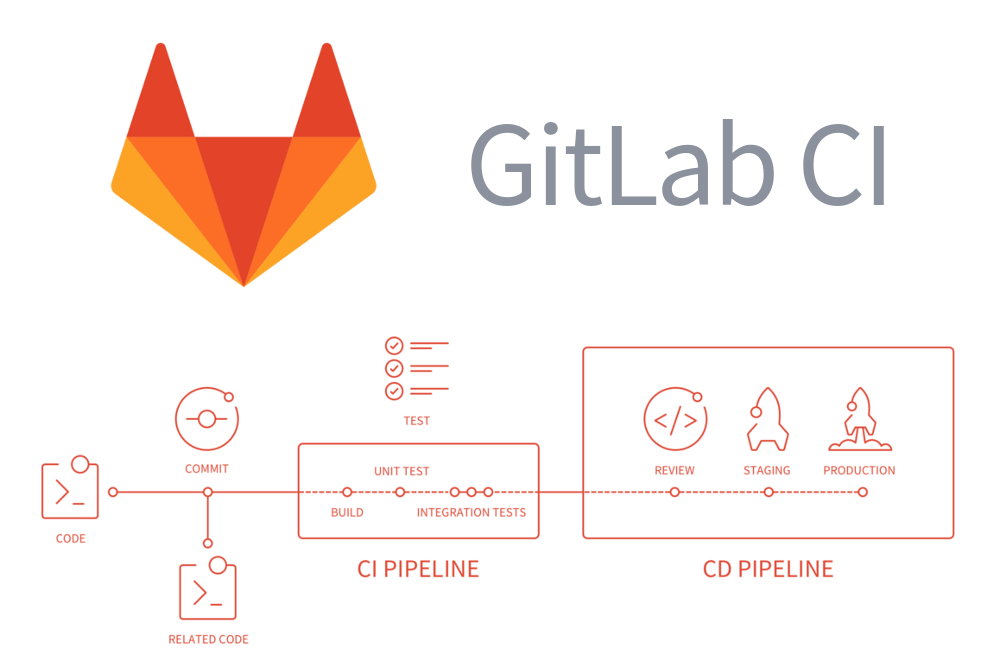
GitLab CI, an integral part of GitLab, is a web-based application that utilizes an API and stores its data in a database. Renowned for its Continuous Integration capabilities, it manages projects efficiently and offers a user-friendly interface, complemented by the comprehensive features of GitLab.
Pros:
Cons:
Buildkite’s agent is a dependable, multi-platform build runner. This CI tool simplifies executing automated builds on your systems. Its primary functions include conducting build jobs and providing feedback on the job’s status and output log.
Pros:
Cons:
Container Registry is a CI tool that streamlines the process of building and deploying containers. It stands out as an efficient Continuous Integration server, offering automated pipelines that are operable via the command line interface.
Pros:
Cons:
More tools to help your development process:
| Feature | Description |
|---|---|
| Automated Builds and Tests | Automatically builds and tests new code to identify issues early in the development cycle. |
| Code Review and Quality Detection | Facilitates code review processes and detects code quality issues for easier error identification. |
| Pipeline Automation | Automates stages of a project’s pipeline (builds, tests, deployments) with minimal human intervention. |
| Docker-based Architecture | Uses Docker-based architecture from the start for compatibility and ease of deployment. |
| Cloud and Version Control Agnosticism | Supports various cloud environments and version control systems for flexible workflows. |
| Pipeline Creation with Standardized Definitions | Allows the creation of pipelines using standardized definitions for consistency. |
| Graphical Pipeline View | Provides a graphical view of the pipeline for better visibility and management. |
| Parallel Steps Execution | Executes multiple pipeline steps in parallel to speed up development and deployment processes. |
| Standardized Plugin Mechanism | Uses a Docker-based plugin mechanism for easy integration of various tools and services. |
| Configuration Options | Offers configuration options through both code and UI for flexible setup of the CI environment. |
When selecting a Continuous Integration (CI) tool for your project, it’s important to recognize the diversity of tools available and understand that the best choice depends on your project’s specific needs. Here are key factors to consider:
Development Workflow Compatibility: Ensure the tool aligns with your team’s development practices and workflow. It should integrate seamlessly with your existing development processes and version control systems.
Pipeline Configuration: Look for tools that offer easy and flexible pipeline configuration. This includes the ability to define build, test, and deployment stages to match your project’s needs.
Feedback and Analysis: Choose a tool with comprehensive input and analysis capabilities. This includes detailed build reports, error tracking, and performance metrics to help you quickly identify and resolve issues.
Scalability and Maintenance: Consider the tool’s ability to scale as your project grows. It should handle increased workloads and support adding more team members or projects without significant performance degradation.
Security: Security is crucial. Opt for tools that offer robust security features to protect your codebase and integration processes, including secure access controls and data encryption.
Cost Efficiency: Evaluate the cost of the tool against your budget. Consider both upfront costs and long-term expenses, including maintenance and upgrades.
Usability and Support: The tool should be user-friendly, with an intuitive interface and comprehensive documentation. Good customer support is also essential for resolving any issues that may arise.
Hosting Model: Decide whether you need a cloud-based or on-premises solution. Cloud-based tools offer flexibility and ease of access, while on-premises tools might provide more control and security.
Understanding what are the Continuous Integration tools or choosing the right Continuous Integration (CI) tool suitable for your needs, is crucial for efficient software development. Tools like Jenkins, Buddy, GoCD, and others offer unique features. Still, the key lies in selecting one that aligns with your project’s needs, considering factors like workflow compatibility, scalability, security, and cost.
For expert guidance in navigating these choices among the top Continuous Integration tools and maximizing your project’s potential, turn to TECHVIFY. Our expert team is ready to help you find and deploy the perfect CI solution for your needs, ensuring a streamlined and successful development process.
TECHVIFY – Global AI & Software Solution Company
From Startups to Industry Leaders: TECHVIFY prioritizes results, not just deliverables. Accelerate your time to market and see ROI early with high-performing teams, AI (including GenAI) Software Solutions, and ODC (Offshore Development Center) services.