Choosing between Web App vs Website: The Final Answer
Loading...
The TECHVIFY Team is a group of experienced professionals passionate about technology and innovation.
The growth of interactive web technology has made it harder to tell traditional websites apart from modern web applications. While they might look the same to the average person because both can be reached through a browser, there are important differences, especially in how they are developed.
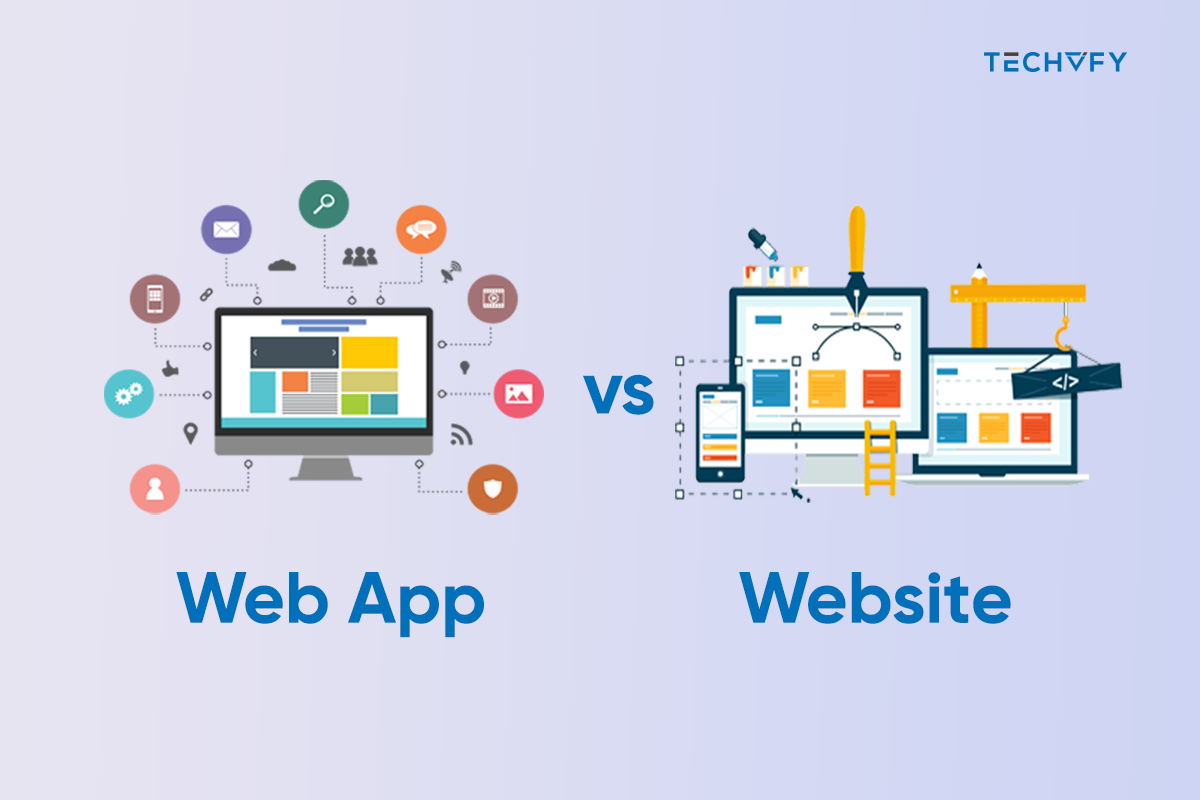
This article will examine these two ideas closely and highlight the main ways they differ. By the time you finish reading, you’ll have a clear picture of what’s better for your needs: Web App vs Website.
Understanding the difference between a website and a web application starts with recognizing that a website is a set of interconnected web pages under a single domain, offering a range of online information.
This site includes elements like images, text, sound, video, animation, and graphics, depending on what the Website aims to achieve.
Typically, a website features a primary page, the Homepage, which presents general information. This is the first page you encounter when visiting a website. You can navigate to different website sections from the Homepage for more details.
Websites are crafted to fulfill distinct objectives. Here are the various types:
| Type | Description |
|---|---|
| Personal Website | Managed by an individual for personal or professional use, like showcasing a portfolio for personal branding. It typically includes details about the owner’s skills, experiences, projects, and insights in particular areas. |
| Business Websites | These websites are often used for online sales, allowing visitors to purchase directly. Designed like virtual stores, they feature user-friendly elements such as shopping carts, detailed product catalogs, and checkout processes. |
| Company Profile Website | Operated by companies or agencies, these websites aim to boost business reputation. They display content like company achievements, success stories, and offered products/services. |
| News Website | A news website delivers current information on various subjects like sports, health, politics, technology, economy, and education. It’s a source of continually updated news content. |
| Community Website | These sites revolve around personal opinions or discussion forums. They enable visitors to initiate discussions on diverse topics, fostering user interaction and engagement, a key strength of community websites. |
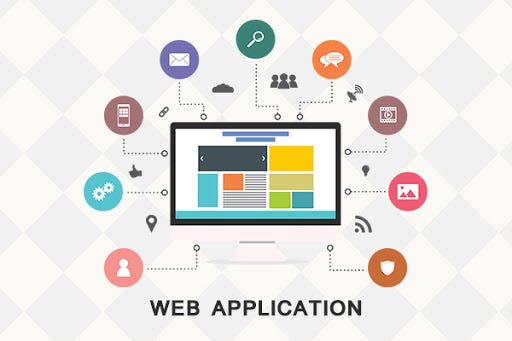
In the web app vs website comparison, a web application is a computer program that employs online technology, including browsers, for various tasks. These range from online shopping to booking holidays and can be as simple as website contact forms or calculators.
Web apps use server-side scripts (like PHP and ASP) for data handling and client-side scripts (such as JavaScript and HTML5) for displaying information. Common examples include shopping carts, content management systems, and online forms.
Web apps are versatile, aiding consumers in tasks like placing orders and employees sharing documents and collaborating remotely. They’re more than just eCommerce tools, extending to software like word processors, spreadsheet programs, and systems like CRM and content management.
There are several types of web applications, each serving different purposes and needs. Here are some of the main types:
| Type | Description |
|---|---|
| Static Web Application | Considering the web application vs website difference, these are basic web applications that display fixed content to every user. They are typically built using HTML and CSS. |
| Dynamic Web Application | These applications can display different content and provide user interaction. They are usually built with server-side programming languages such as PHP, ASP, Ruby on Rails, or Node.js. |
| E-Commerce Web Application | These are online stores or shopping platforms where users can purchase products or services. |
| Single-Page Web Application (SPA) | SPAs load a single HTML page and dynamically update content as the user interacts with the app, without refreshing the page. Examples include Angular and React applications. |
| Portal Web Application | These web apps typically involve a login area and bring information from different sources, like email, online forums, and search engines. |
| Content Management System (CMS) Web Application | These applications allow users to manage and modify website content without technical knowledge. Examples include WordPress, Joomla, and Drupal. |
| Animated Web Applications | These involve animation and interactive elements, often built using technologies like Flash (though less common now due to compatibility and security issues). |
| Rich Internet Web Applications | These applications offer advanced user interface and functionality, resembling desktop applications running through a web browser. |
More Web App-related articles:
Learn More On:
| Aspect | Website | Web Application |
|---|---|---|
| Content Interaction | Provides visual and textual content for viewing and reading. | Allows users to interact with and manipulate page contents, such as filling out forms. |
| Authentication | Authentication is not typically required except for specific actions like signing up for newsletters. | Often requires authentication for access due to the broader range of services offered. |
| User Tasks | Displays searched-for content to the user. | Involves more complex tasks, requiring users to navigate within the app to find specific products or information. |
| Accessibility of Information | Information is generally publicly accessible. | Information access is restricted to registered users; login credentials are needed. |
| Development Complexity | Easier to develop using basic web technologies. | More challenging to develop due to higher security needs and complex functionalities. |
| Hosting Costs | Cheaper to host. | More expensive to host due to additional components like databases. |
| Purpose | Ideal for showcasing skills and products. | Suitable for automating processes and facilitating visitor interaction. |
| Web Applications | Websites | |
|---|---|---|
| Advantages | Always Up-to-Date: Auto-updates ensure the latest version without manual effort. No Download Required: Accessible directly via browsers, no installation needed. Cross-Platform Compatibility: Runs on any OS with a web browser. Customization and Scalability: Adaptable to specific needs and scalable. Direct Access to Data: Offers dynamic content and interactive experiences. | Ease of Access: Accessible through any web browser, no login needed. Lower Development Costs: Cheaper to develop and maintain. SEO Benefits: Can be optimized for better search engine visibility. Simplicity: Straightforward, mainly for information display. |
| Disadvantages | Limited Device Features Access: Less hardware access than native apps. Internet Dependency: Needs a constant internet connection. Security Risks: Higher vulnerability to security threats. Performance Issues: Potentially slower than native apps, especially for complex tasks. Discoverability: Not listed in app stores, affecting visibility. | Limited Interactivity: Less interactive than web applications. Static Content: Mostly displays the same content to all users. Less User Engagement: Not as engaging due to its static nature. No Offline Functionality: Requires internet for access. |
Deciding whether to go for a web app or a website hinges on your business objectives and the user experience you aim to provide. To guide your choice, consider these factors:
Websites are straightforward to set up and manage, requiring minimal effort. This lets you concentrate on other business areas while maintaining a global reach and accessibility.
Websites are excellent platforms to showcase your mission, portfolio, and updates. They help build brand recognition and trust by providing detailed information through visuals and content, aiding customers in making well-informed choices.
Websites are ideal for disseminating information without needing personal details from your customers. They are simple to update and don’t require extensive technical knowledge.
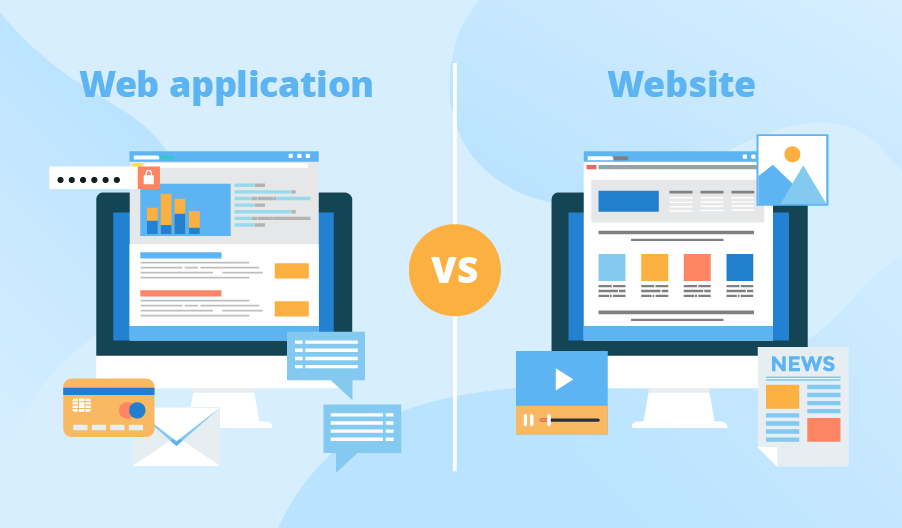
Highlighting the difference between website and web application, web apps offer a more dynamic and interactive experience than standard websites. They enable users to engage in various activities, enhancing the overall user experience.
Web apps provide a swift, responsive interface akin to native apps. They can utilize device capabilities like geolocation and push notifications, enriching customer interaction.
Web apps can tailor experiences by analyzing user data such as browsing history and search patterns. This customization is akin to having a personal assistant for each customer, like suggesting products based on past purchases in an online store.
Web apps are a viable substitute if developing a mobile app is not feasible. They are quicker and more cost-effective to develop and don’t require separate versions for different platforms, unlike native apps.
A prime example is the development of mobile applications for data analytics in the energy sector by TECHVIFY.
This project involved creating intuitive mobile applications for an Australian energy company, focusing on data analytics in the energy efficiency market. The challenge was integrating a cloud-based energy analytics platform with native mobile apps for iPhone, iPad, and Android, ensuring real-time data access and a seamless user experience. The solution included user-friendly UI/UX design, cross-platform development, and rigorous quality assurance, enhancing energy management and increased customer satisfaction.
When weighing what is a web app vs website, choosing depends on your specific business needs and the user experience you aim to offer. Websites are great for establishing an online presence and sharing information, while web apps provide a more interactive, personalized experience. Consider what you want to achieve and how you wish to engage with your audience.
For expert advice and assistance in making this crucial decision, contact TECHVIFY. Our team is ready to guide you through the process and help you choose the best option for your business.
TECHVIFY – Global AI & Software Solution Company
From Startups to Industry Leaders: TECHVIFY prioritizes results, not just deliverables. Accelerate your time to market and see ROI early with high-performing teams, AI (including GenAI) Software Solutions, and ODC (Offshore Development Center) services.